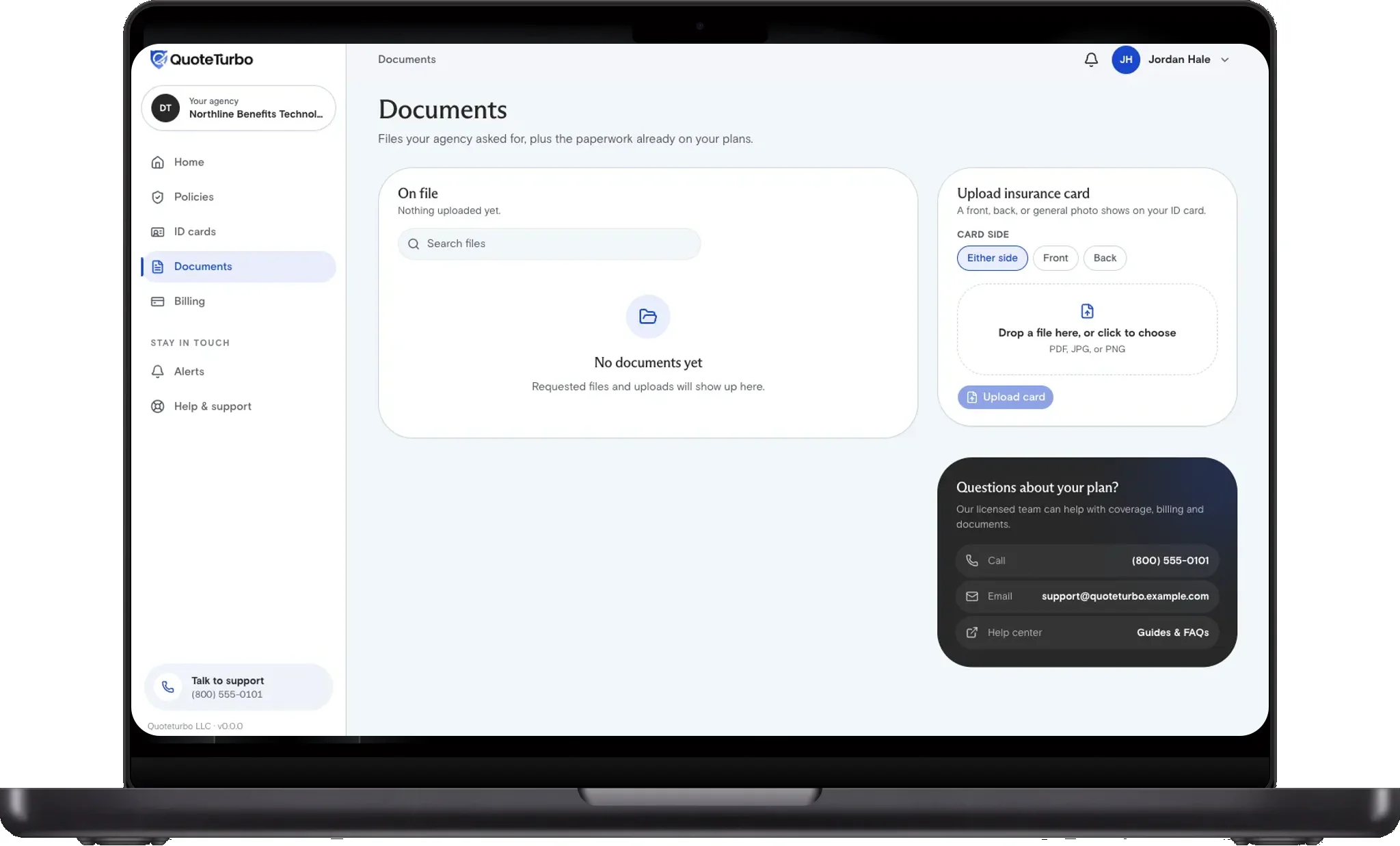
Card photos are uploaded from Documents, not from an email.
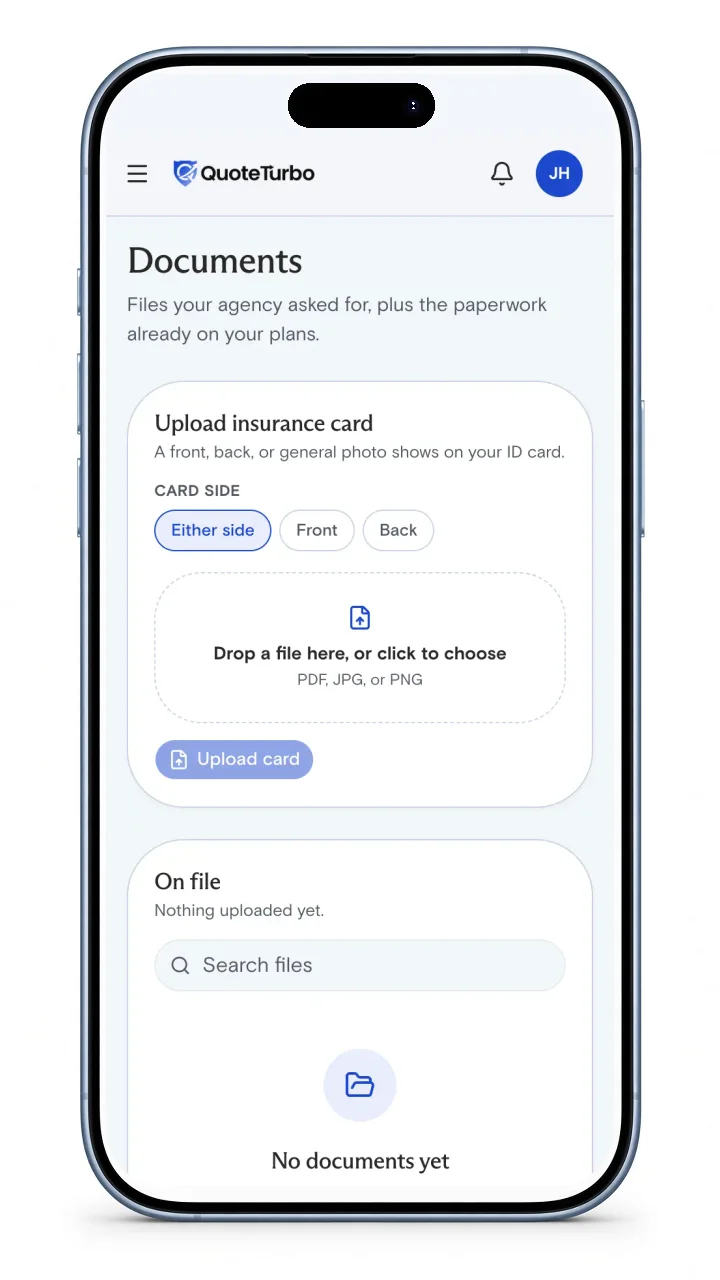
Documents screen with Upload insurance card, Front and Back choices, and a drop area
Choose Front or Back, drop a clear photo or PDF, then tap Upload card. Wait until you see it under On file.

FAQ

Short answers you can use on a call with your agent.

What file types work?

Use a clear photo or a PDF of the front and back. Blurry corners hide member IDs. The portal rejects files that are not an image or PDF.


This is editorial content. Not insurance advice. Verify regulations and figures with primary sources before relying. See our Privacy Policy.

Copyright QuoteTurbo 2026